April 2026
New accessibility and filtering tools.
A dyslexia-friendly font option has been added. Filtering has also been improved, so you can search for point cloud datasets by spatial distribution, accuracy, classification, and acquisition period.
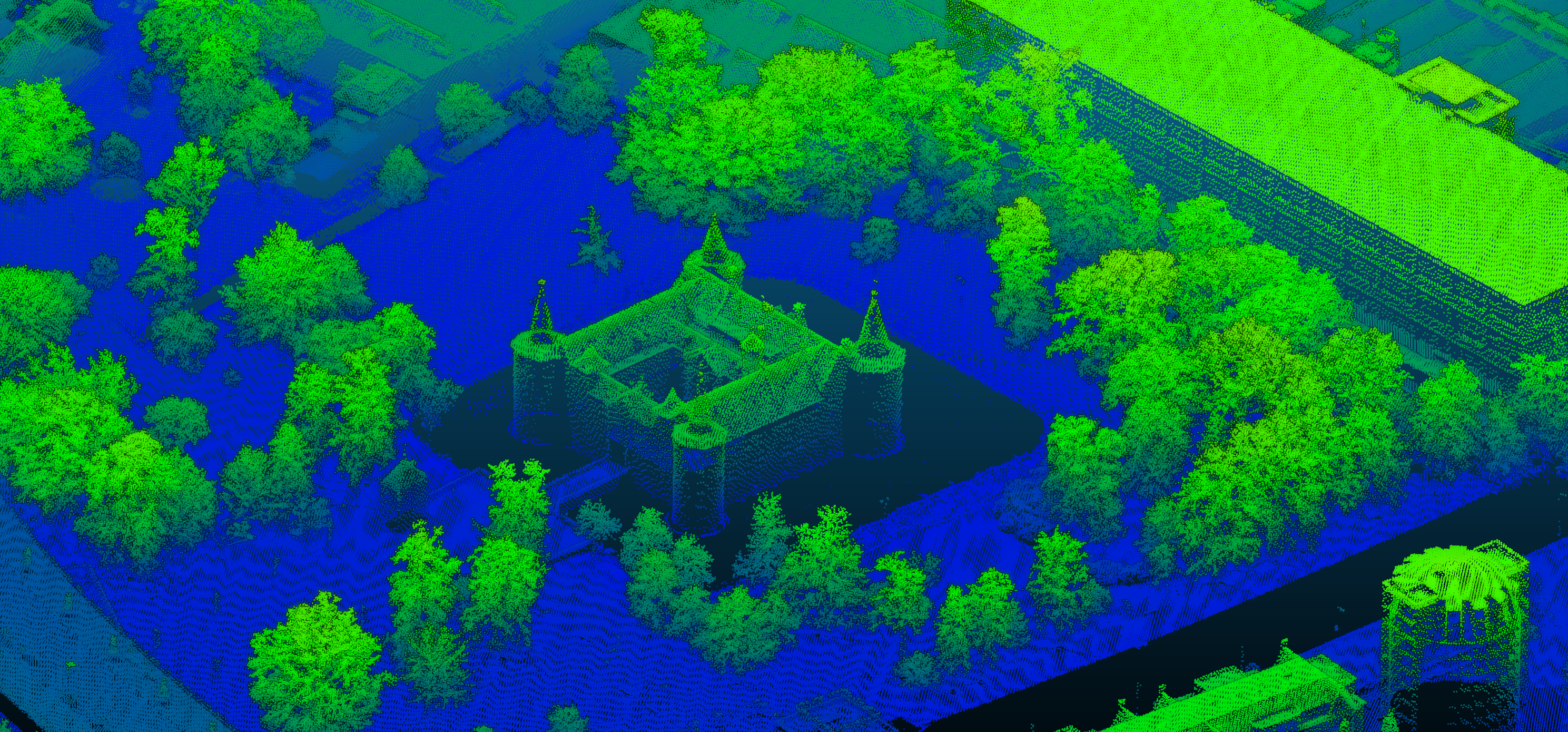
This platform provides a central access point to discover known point cloud datasets and point cloud–based elevation models across Europe. Each dataset included in the portal has been reviewed and validated to determine its availability status, including whether it is openly accessible or expected to become open data in the near future. The portal aims to improve transparency, accessibility, and cross-border usability of European elevation data.
The project resulted in a comprehensive report supported by Rijkswaterstaat (The Netherlands), TU Delft, EUROSDR, and Het Waterschapshuis. The report provides an overview of the identified datasets and summarizes the outcomes of the accompanying questionnaire conducted as part of the research. The publication can be found at: . Official Publication No. 78. https://www.eurosdr.net/publications/official-publication-no-78-2026
European territory is continuously being surveyed and re-acquired by national authorities and commercial partners. As a result, the portal represents a snapshot in time and will continue to evolve as new datasets become available. If you manage or are aware of point cloud datasets that are not yet included, we invite you to contribute. By using the “Add Pointclouds” button, you can submit dataset information and help improve the completeness and traceability of European point cloud
Follow the latest additions and improvements on the platform.
April 2026
A dyslexia-friendly font option has been added. Filtering has also been improved, so you can search for point cloud datasets by spatial distribution, accuracy, classification, and acquisition period.
March 2026
Research data based on Wegen et al. (2026) has been added, bringing together open point cloud datasets from many research initiatives.
February 2026
Want to know whether your city is available as a point cloud from LiDAR or dense matching? Check it out on the map.
Classification definitions and available classes are now shown for each point cloud dataset.
The source links of this search page implies no guarantee of availability, completeness, correctness, or fitness for any particular purpose. Remember this if you want data for your projects and/or products. The license indicated with the products is, to the best of my knowledge at the time of writing. Please confirm the applicable license with the source before integrating the data. For the best experience, this website is best viewed on a laptop or tablet.
The European Point Cloud webpage, making point clouds and Digital Elevation Models (DEM) more accessible to find, was initiated by Daan van der Heide in 2025 to complete his PhD work on point cloud harmonisation. The website is hosted by TU Delft and the 3D Geoinformation group of the Urbanism department, and it will be maintained until the completion of the PhD work.